Live Demo
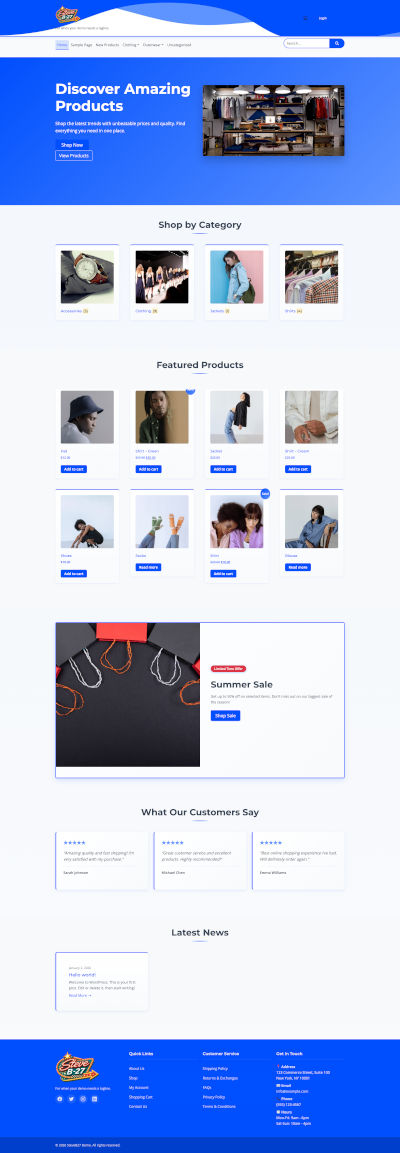
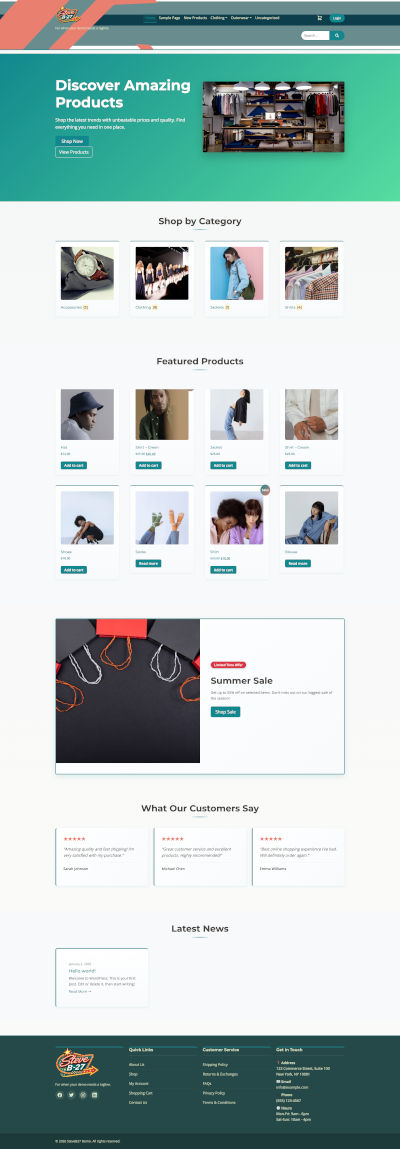
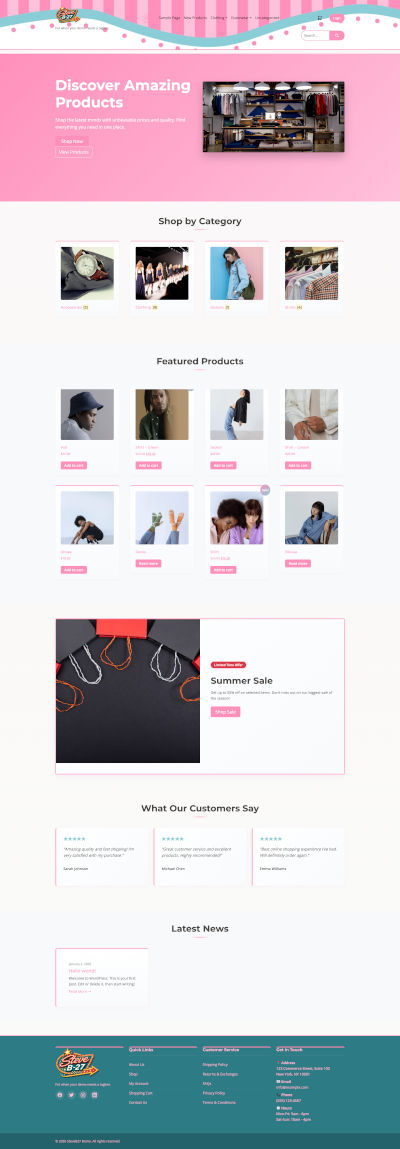
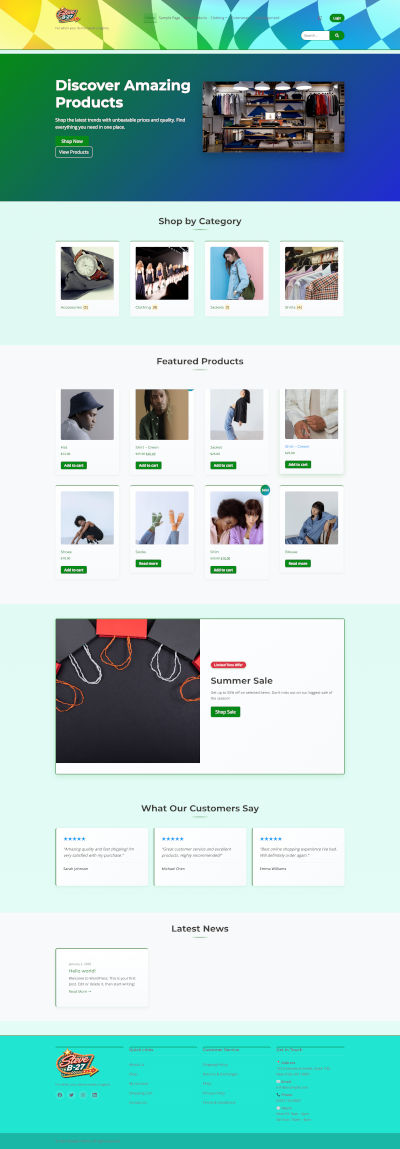
Documentation
1. Introduction
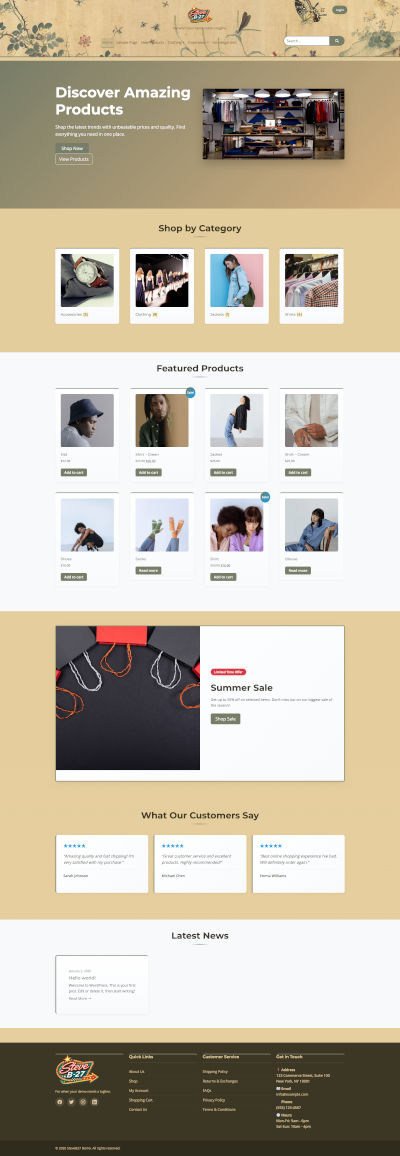
Welcome to Bootcom Express, a fast-deployment WooCommerce theme built with Bootstrap 5 and designed to get your store online quickly with minimal configuration.
Bootcom Express focuses on clean layouts, responsive design, and a one-click installer that lets you launch ready-made configurations in minutes.
2. Requirements
- WordPress 6.0 or newer
- PHP 7.4 or higher (8.0+ recommended)
- WooCommerce 7.x or newer
- Memory limit: 256MB or higher
3. Theme Installation
Install via WordPress Admin
- Go to Appearance → Themes
- Click Add New → Upload Theme
- Upload
bootcom-express.zip - Install and activate the theme
Install via FTP
- Extract the theme ZIP
- Upload to
/wp-content/themes/ - Activate from Appearance → Themes
4. Required & Recommended Plugins
Required
- WooCommerce
Recommended
- Envato Market (theme updates)
- Demo Import / One-Click Installer plugin
5. One-Click Demo & Configuration Installer
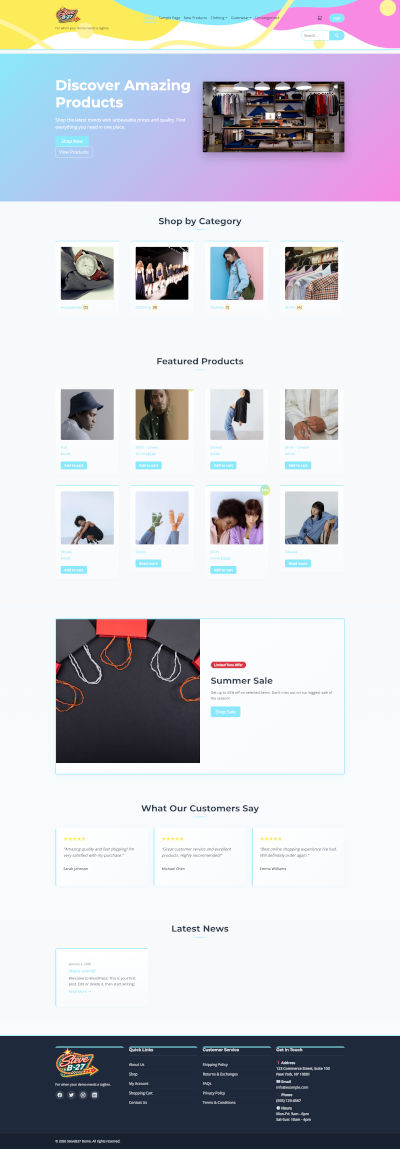
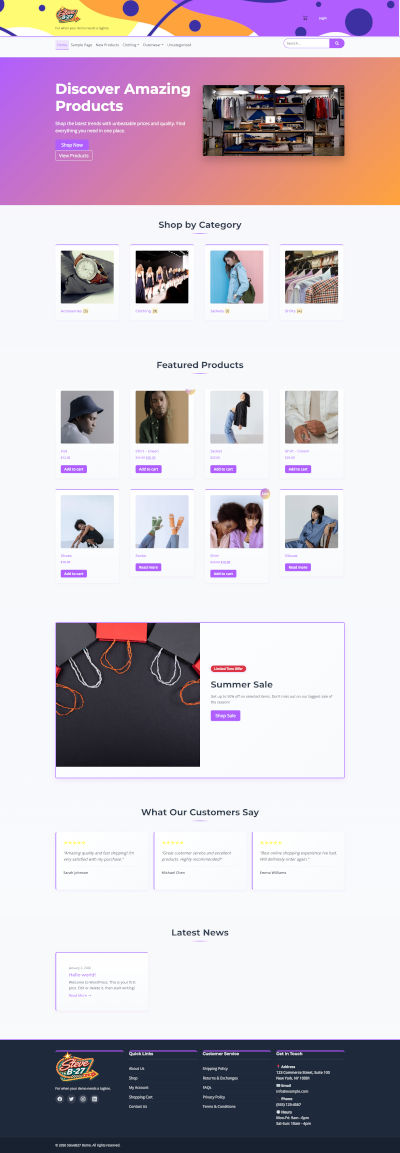
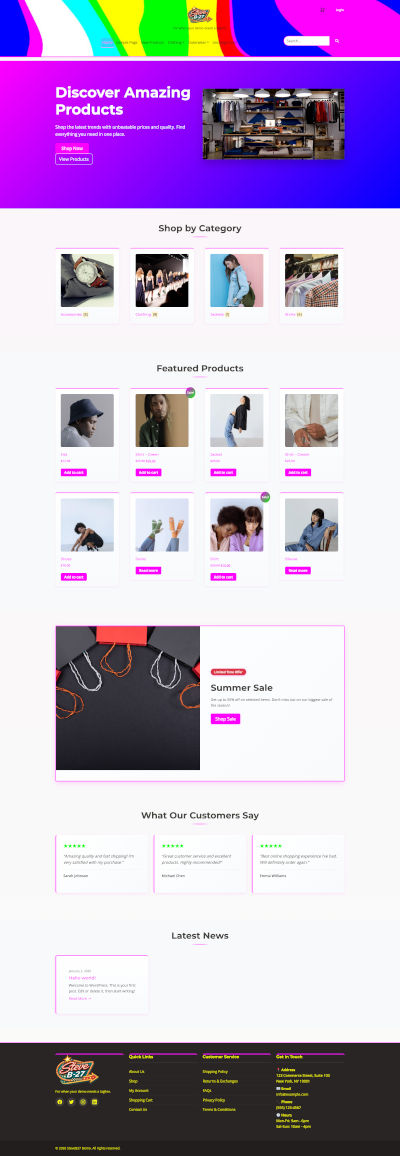
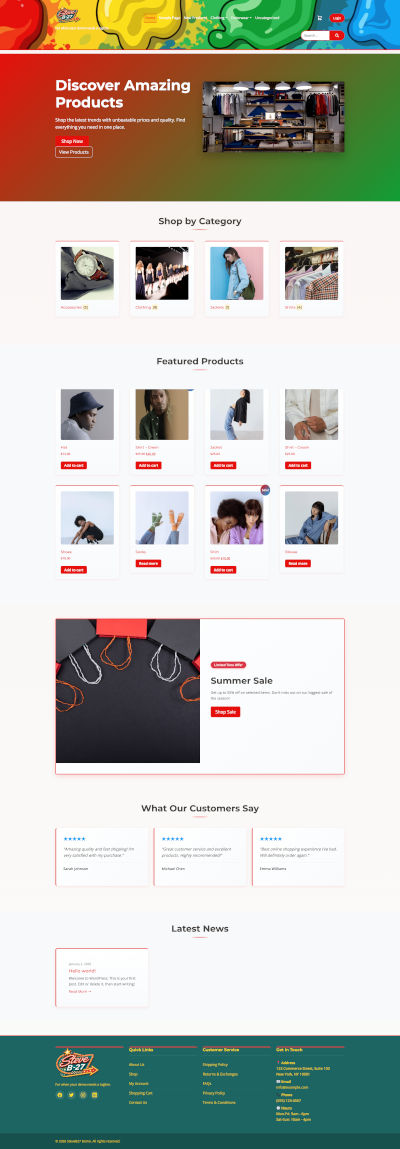
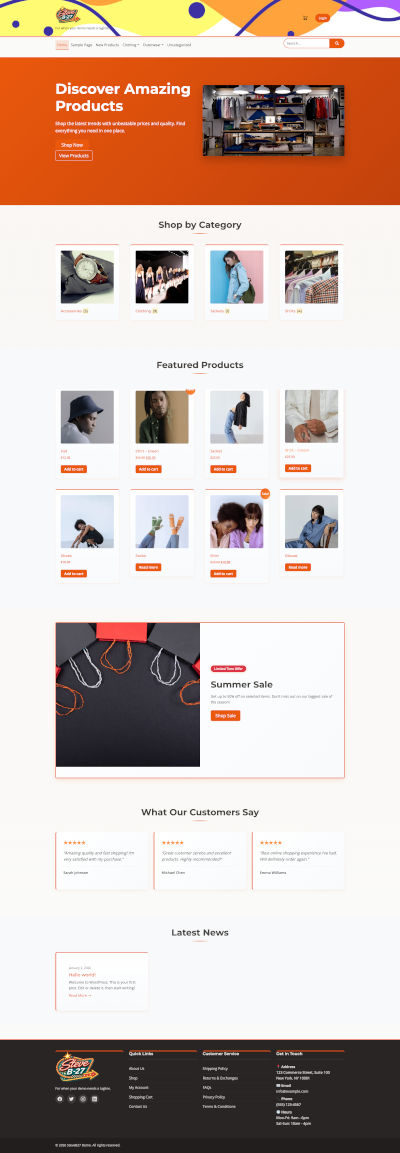
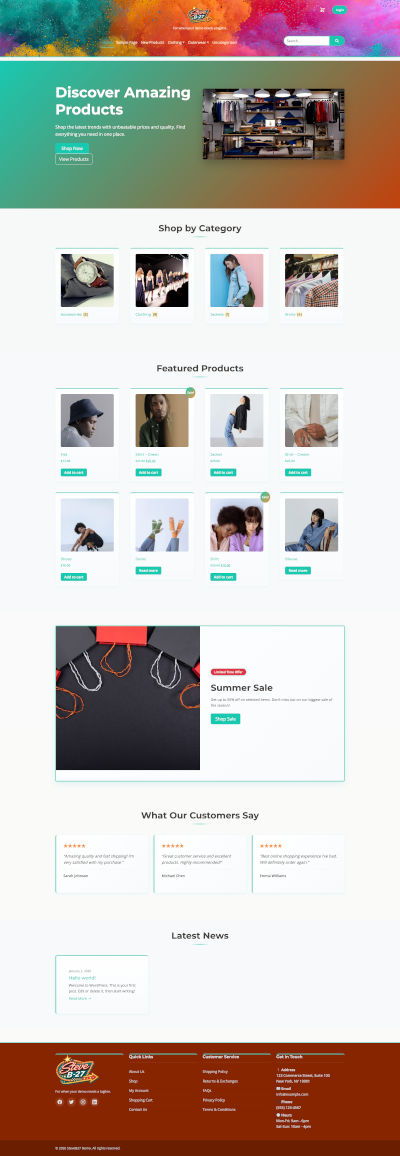
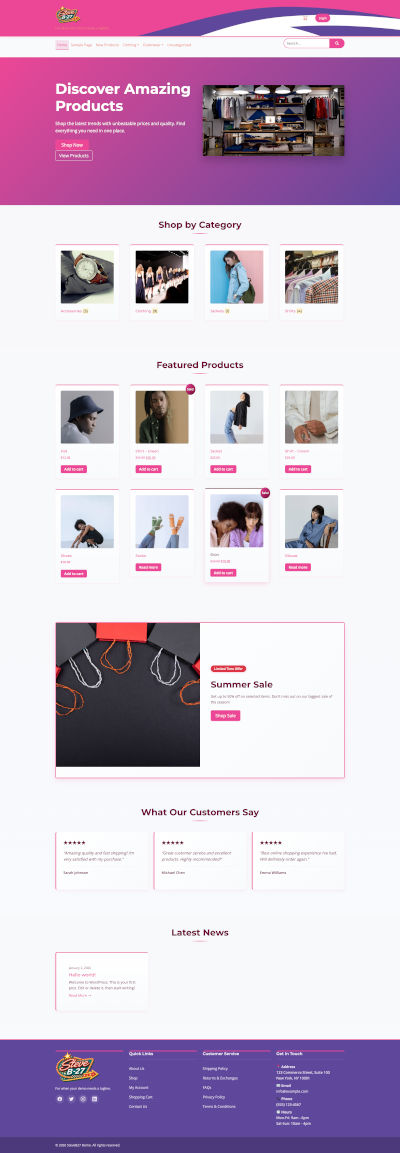
Bootcom Express includes a one-click installer that allows you to import different layout and configuration variations.
What Gets Imported
- Pages
- Menus
- Widgets
- Theme settings
- Sample products (optional)
How to Import
- Go to Appearance → Import Demo Data
- Select a configuration
- Click Import
- Wait for completion
6. WooCommerce Setup
After activating WooCommerce, run the setup wizard and ensure the following pages are assigned:
- Shop
- Cart
- Checkout
- My Account
7. Theme Customization
Customize Bootcom Express via the WordPress Customizer: Appearance → Customize.
- Site Identity
- Layout options
- Header settings
- Footer settings
- WooCommerce options
15. Support
Support includes assistance with theme setup and bug fixes. Custom development and third-party plugins are not included.
16. Changelog
- 1.0.0 – Initial release